
Cleo vs Hinder: the AI that roasts you vs the app that blocks you
Cleo is an AI chat app that makes fun of your spending after it happens. Hinder locks apps like DoorDash and TikTok the moment you cross your budget. A roast is commentary. A lock is a brake. That is the whole decision.
Credit where it is due: Cleo is the funniest thing to ever happen to personal finance. It reads your bank feed and talks to you like a group chat friend who has seen your statements and lost all respect for you.
It is also chasing the exact same person Hinder is: young, on their phone, quietly bleeding money into delivery apps and TikTok Shop. The two apps just disagree about what to do when that person overspends. Cleo writes a joke. Hinder pulls the plug.
The short version
 Cleo
Cleo HinderCleoFree tier; Plus ~$5.99/mo, Builder ~$14.99/moHinderFree to tryCleoYes, chat and basic budgetingHinder1 week trialCleoA roast in the chatHinderThe app locksCleoYes, up to $250, the star of the paid tiersHinderNo, neverCleoAI chat plus an auto budgetHinderCategory and per-app limitsCleoNoHinderYesCleoiPhone, AndroidHinderiPhone
 What Cleo gets right
Roast mode is the best onboarding trick in fintech. The first time we typed “roast me,” Cleo dug up a 1am McDonald's order from two weeks back and would not let it go. It is funny because it is your actual data, and that is why 8 million people signed up.
The chat format genuinely lowers the barrier. Asking “can I afford this” in a chat feels casual in a way opening a spreadsheet never will, and hype mode celebrating a cheap week is a nice touch. If checking your balance normally fills you with dread, Cleo fixes that part.
Does Cleo actually help you save?
Here is the problem: the roast happens after the transaction posts. Cleo is a rearview mirror with great material. By the time it is dunking on your third DoorDash order of the weekend, the money is gone and the fries are cold.
Nothing in Cleo sits between you and a checkout screen at 11pm. You laugh, you screenshot the roast for the group chat, you order anyway. If your leak is the $50-a-week TikTok Shop drip, commentary after the fact does not touch it. The roast is entertainment about the problem, not friction against it.
The cash advance thing
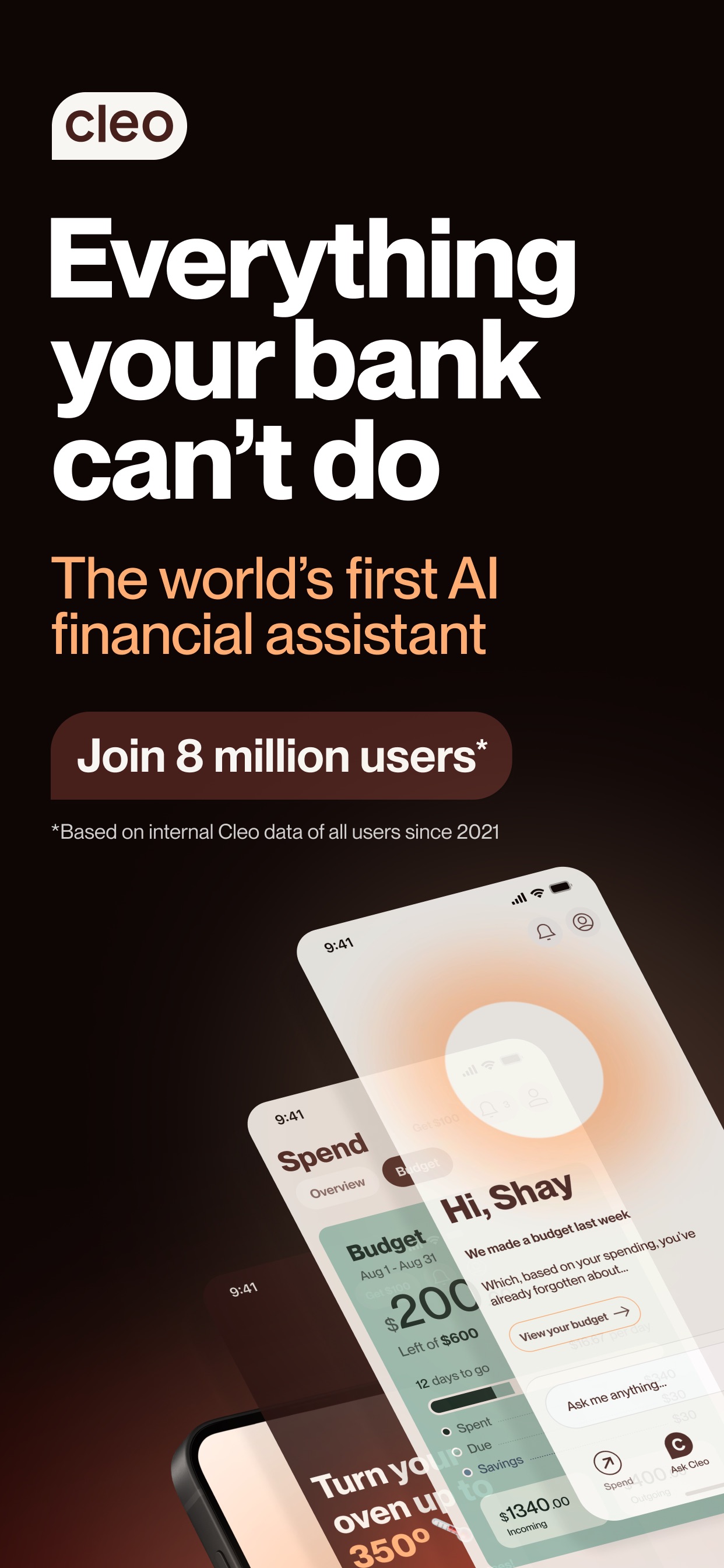
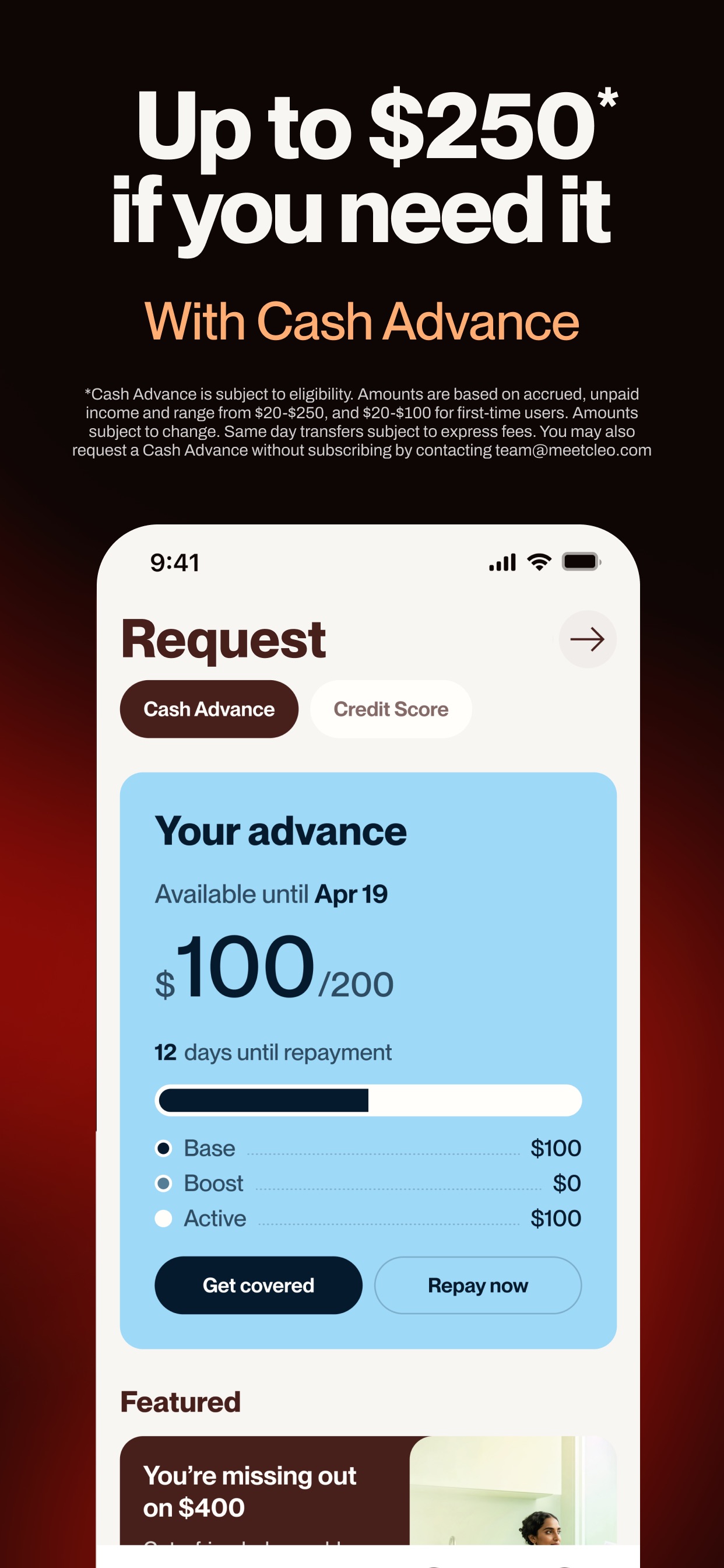
Look at what the paid tiers actually sell. Cleo Plus, about $5.99 a month, is headlined by cash advances of $20 to $250, and same-day transfers can carry an express fee on top. That is the product Cleo leads with in its own App Store screenshots.
Sit with the incentive for a second. An app whose paid plans revolve around fronting you money does better when you run short before payday. That does not make Cleo a villain, but it is the opposite pull from an app that only wins when you spend less.
What Hinder does instead
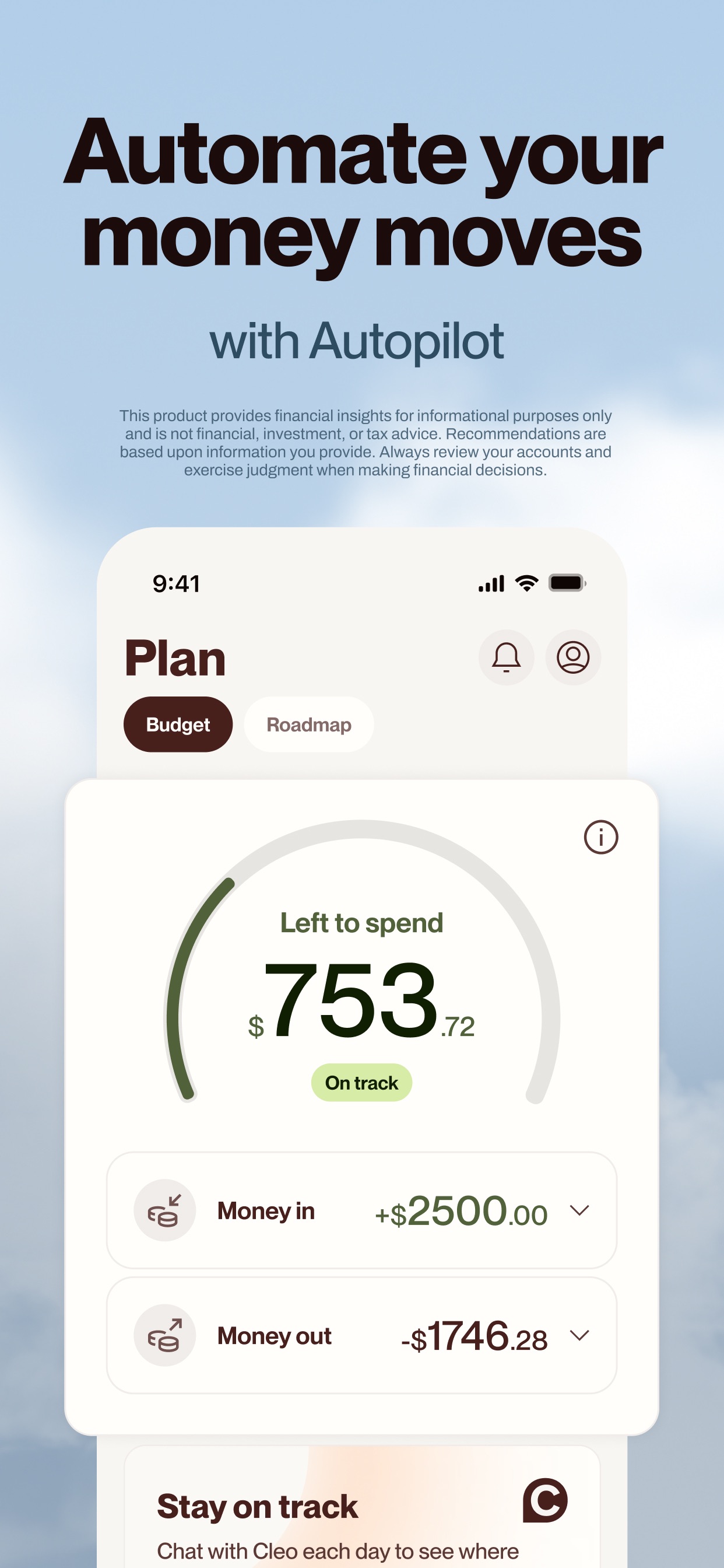
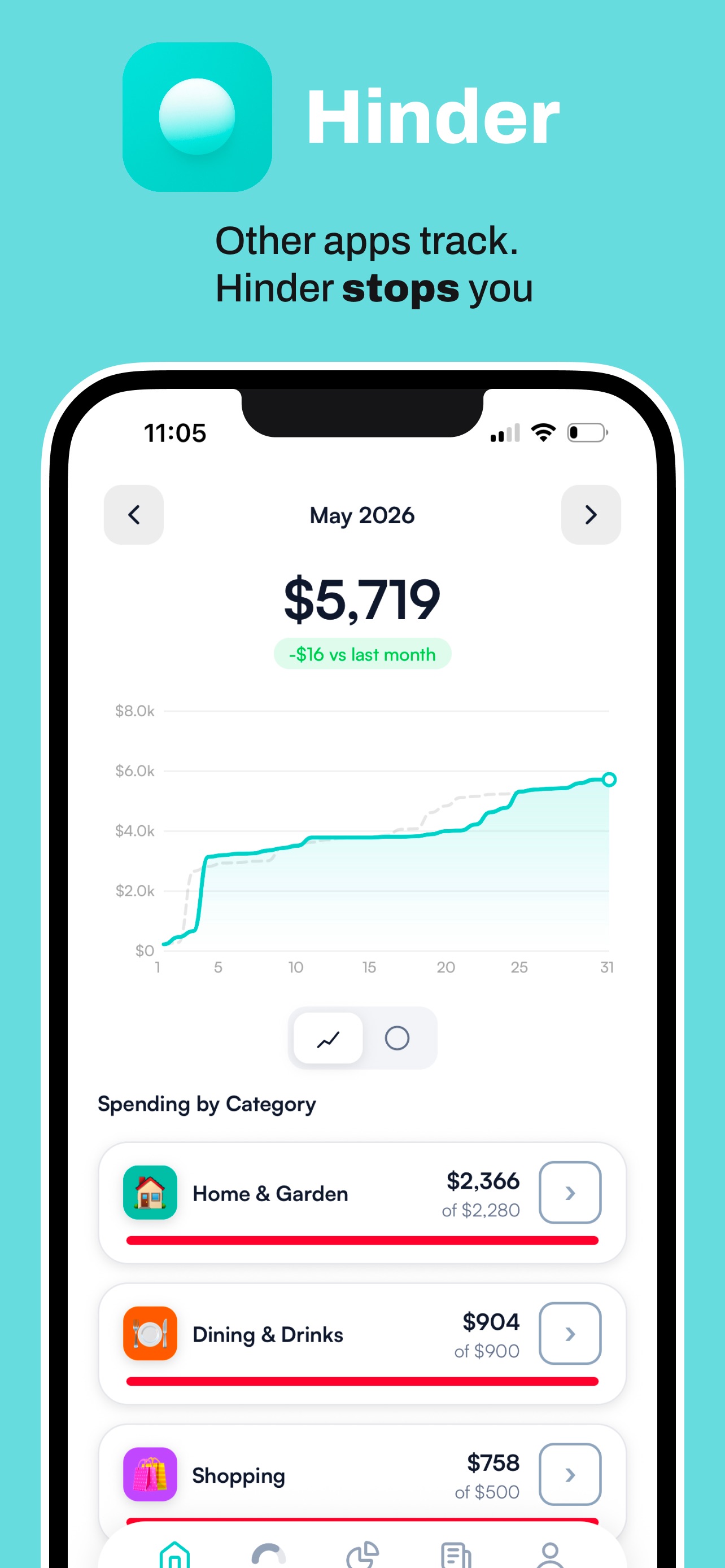
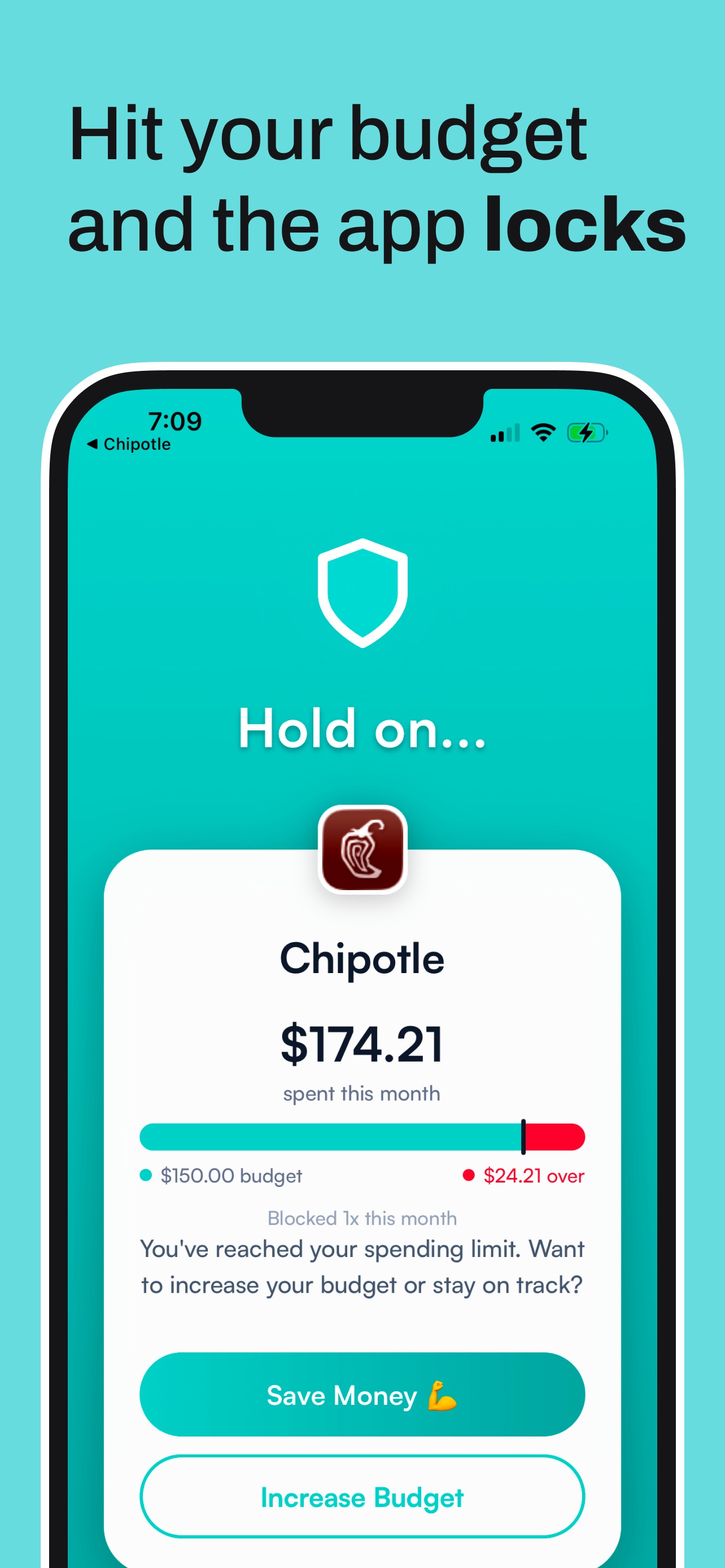
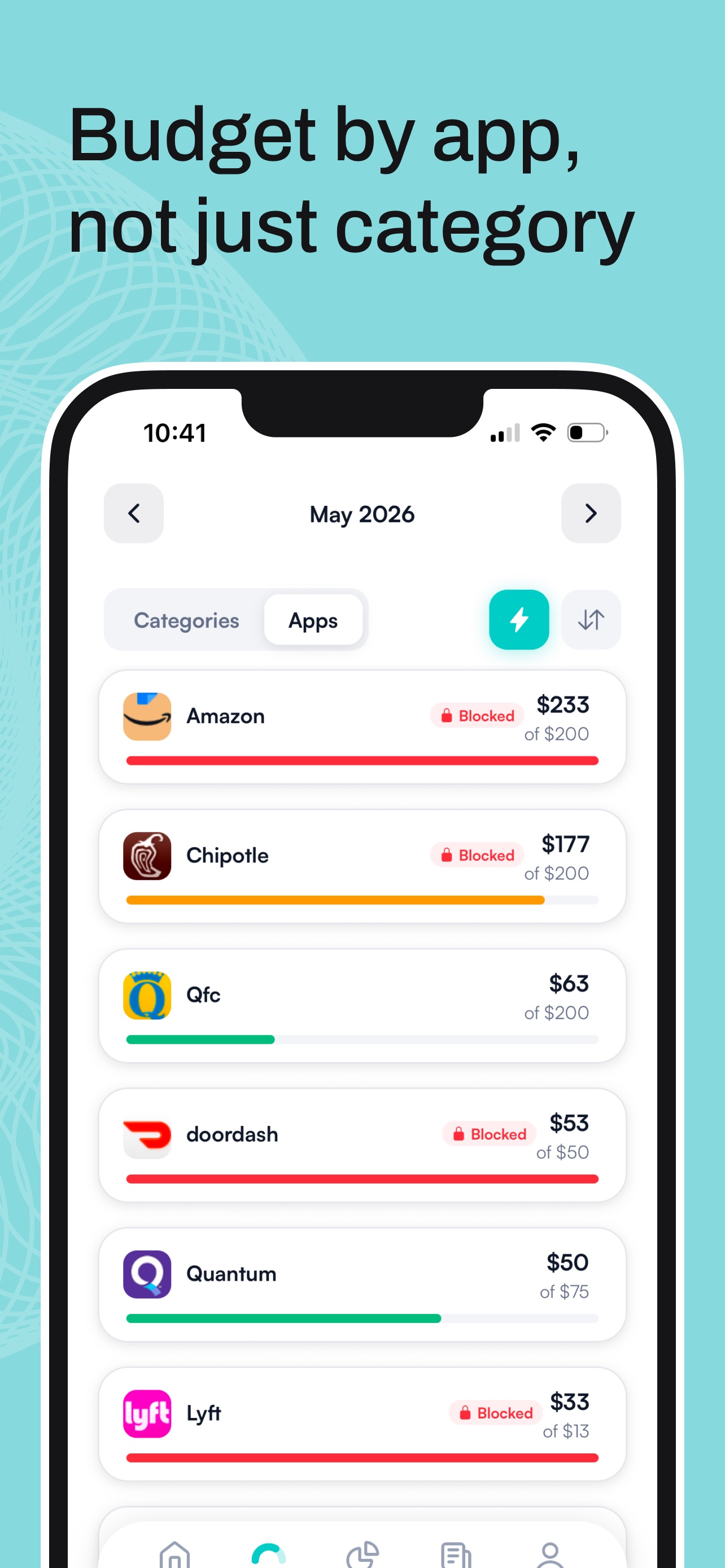
Hinder connects to your bank through Plaid and gives every spending category and app a monthly limit. At 80% you get a warning push. At 100% the apps in that category lock, using the same iOS Screen Time system parents use, and they physically will not open.
Instead of a roast you get a block shield with two buttons: Save Money or Increase Budget. There is a short temporary override for real emergencies, but a true unblock means raising your own limit and admitting it to yourself. That pause is where impulse orders go to die, which is the entire fix for a food delivery habit.
Who should pick which
Pick Cleo if:
- You will not open a normal budgeting app, ever.
- The jokes genuinely keep you checking your balance.
- You are on Android, where Hinder does not exist.
Pick Hinder if:
- You have been roasted for the same habit three months running.
- Your overspending lives in a few specific apps.
- You want the order stopped, not narrated.
- You are on iPhone and want zero cash advance temptation.
Common questions
Is Cleo worth it in 2026?
The free tier is worth it if a funny chat gets you to look at your money at all. The paid tiers, Cleo Plus at about $5.99 a month and Builder at about $14.99, are built around cash advances and credit tools, so if you do not need an advance they are hard to justify.
Does Cleo actually help you save money?
It helps you pay attention, which is real, but the roast arrives after the money is already gone. Nothing in Cleo stands between you and a checkout screen. If you laugh at the roast and order anyway, you need a blocker, not a comedian.
Does Cleo block apps when you overspend?
No. Cleo comments on your spending in chat and can nudge you with notifications, but it never locks an app or stops a purchase. Hinder is the one that physically blocks apps like DoorDash and TikTok when you cross your budget.
How much does Cleo cost?
The chat and basic budgeting are free. Cleo Plus runs about $5.99 a month and Builder about $14.99 a month, and those tiers center on cash advances up to $250 and credit building. Same-day advance transfers can carry an express fee on top.
Can I use Cleo and Hinder together?
Yes, and it is a decent pairing. Keep Cleo for the banter and the balance checks, and let Hinder set the hard limits that lock your spending apps when you go over. One narrates, the other enforces.