
How to block Amazon on iPhone
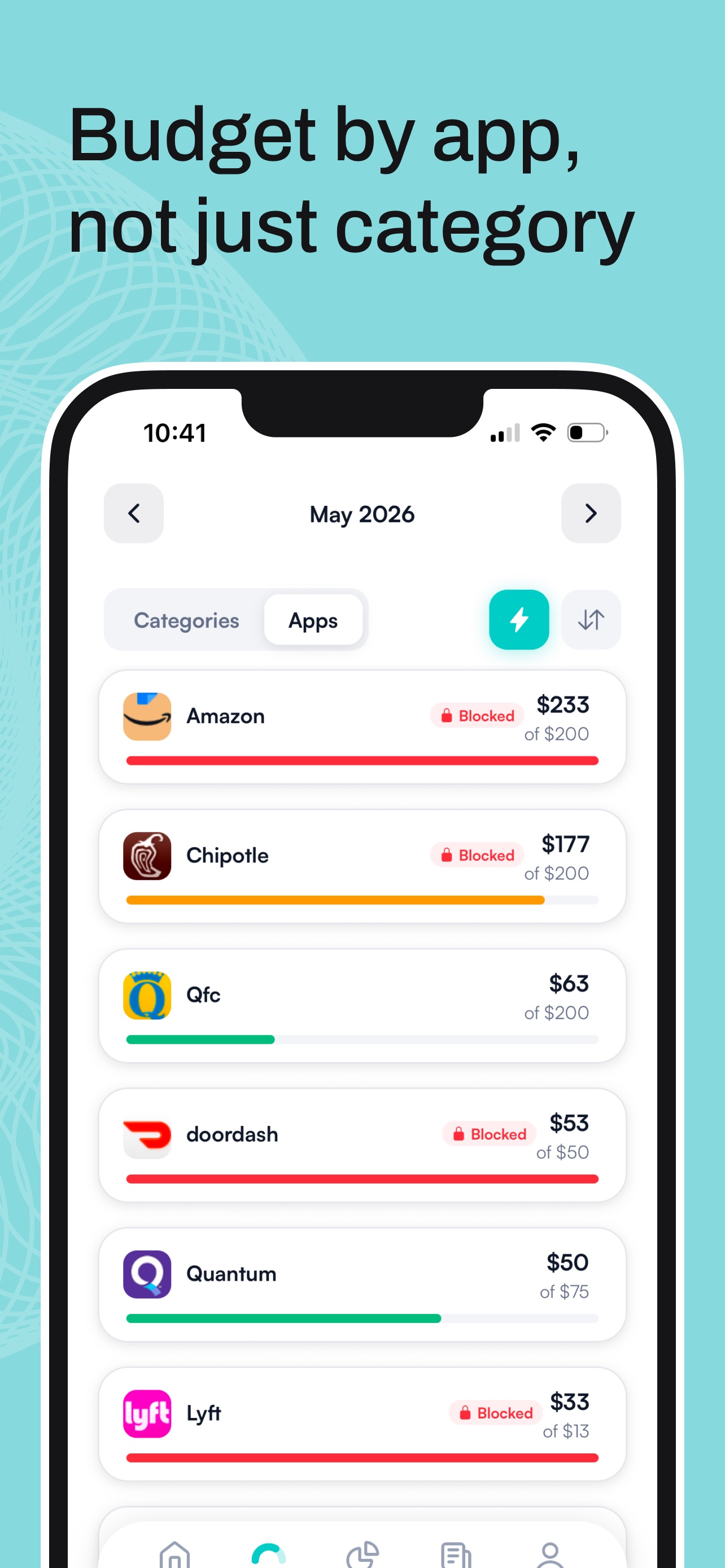
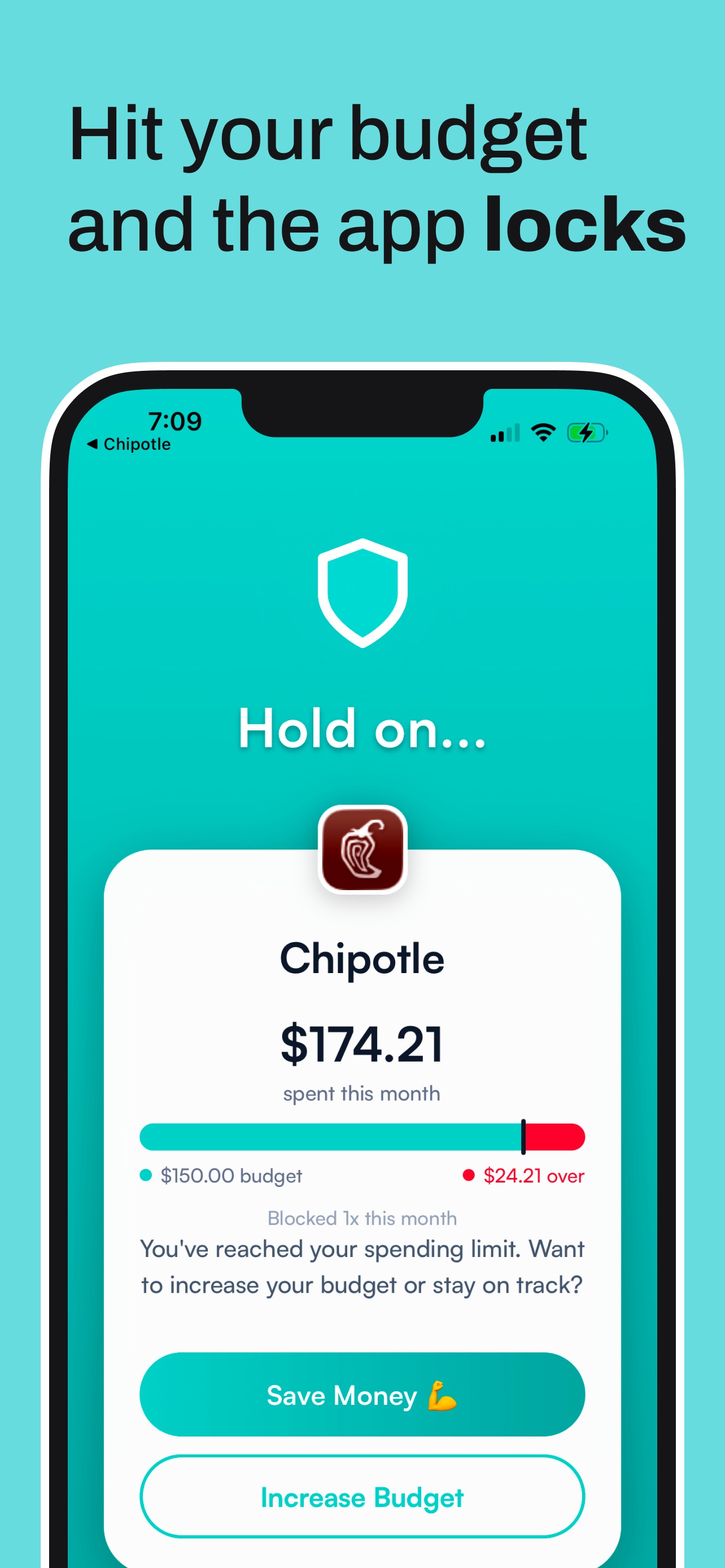
The most reliable way to block Amazon is to tie the block to money. Hinder locks the app through iOS Screen Time the moment you cross your shopping budget. Deleting saved cards and Screen Time downtime help, but both leave the final call up to you.




One shopping budget can lock every one of these at once.
Why the Amazon app always wins at 11pm
One-tap checkout plus a saved card equals zero friction. There is no cart review, no typing a card number, no moment where you reconsider. The entire purchase happens faster than the thought “do I need this” can finish. That is not sloppy design. That is the design.
Your options, weakest to strongest
1. Delete your saved payment info. This helps. Typing 16 digits is a real speed bump, and plenty of impulse buys do not survive it. Amazon will nudge you to save the card again at every checkout, and one tired yes undoes it.
2. Screen Time downtime. Time-based, not money-based. You set the schedule, you know the passcode, and Ignore Limit is one tap away. It stops scrolling at midnight, not spending at noon.
3. A money-based block. Hinder gives your shopping category a monthly budget. Cross it and the Amazon app locks, along with Target, Walmart, and Temu if you put them in the category. It is the strongest option in our roundup of apps that stop you from spending money because it is the only one you cannot talk yourself out of.
What about buying things you actually need?
Hinder has a temporary unblock of about 5 minutes, enough to buy toothpaste and get out. A real unblock means raising your limit, which you do in the cold light of day, not mid-scroll. You get a warning push at 80% so the lock is never a surprise.
Set it up in two minutes
- Connect your bank through Plaid.
- Create a shopping category with a monthly budget, or put a limit on Amazon alone.
- Pick which apps the budget locks. Here is how to choose which apps to block.
Common questions
Can you block the Amazon app on iPhone?
Yes. Hinder uses iOS Screen Time to physically lock the Amazon app once you cross the monthly shopping budget you set. Until then, Amazon works normally.
Can I still use Amazon for essentials?
Yes. Hinder has a temporary unblock of about 5 minutes for when you genuinely need toothpaste. If you need more than that, the honest move is raising your limit, which is a deliberate decision instead of a 1am tap.
Does Amazon have a spending limit feature?
No. Amazon has no built-in spending cap for your own account. Any limit has to be enforced from outside the app.
Does deleting the Amazon app stop impulse buying?
Briefly. The website still works in Safari and re-downloading takes ten seconds. Deleting saved payment info adds more friction than deleting the app.
Is Hinder free?
Free to download and try. iPhone only. It connects to your bank through Plaid and locks the shopping apps you overspend in.